FIELD GUIDE 01
Marker Cases
Locate a specific event in time and make the issue unambiguous.
Explore Marker CasesExplore audio-post and music-production cases about markers, track organization, unresolved edits, revisions, and session handoffs.
Issue: breath masks the pickup. Note: reduce clip gain, preserve the phrase.
A note with a place, a track, and a next step.

One review comment, three ways to pass it on. Compare an email note, a timeline marker, and a track-specific marker to see what the next editor can actually act on.
“Fix loud breath around bar 32 before vocal hook.”
“Bar 32|01|000 • Fix vocal breath issue”
“32|03 • Lead Vox • Breath too loud • Reduce clip gain • Owner: MV • Next: Recheck in mix.”
Discover how production houses lock marker colors, folder hierarchy, and revision tags inside Pro Tools.
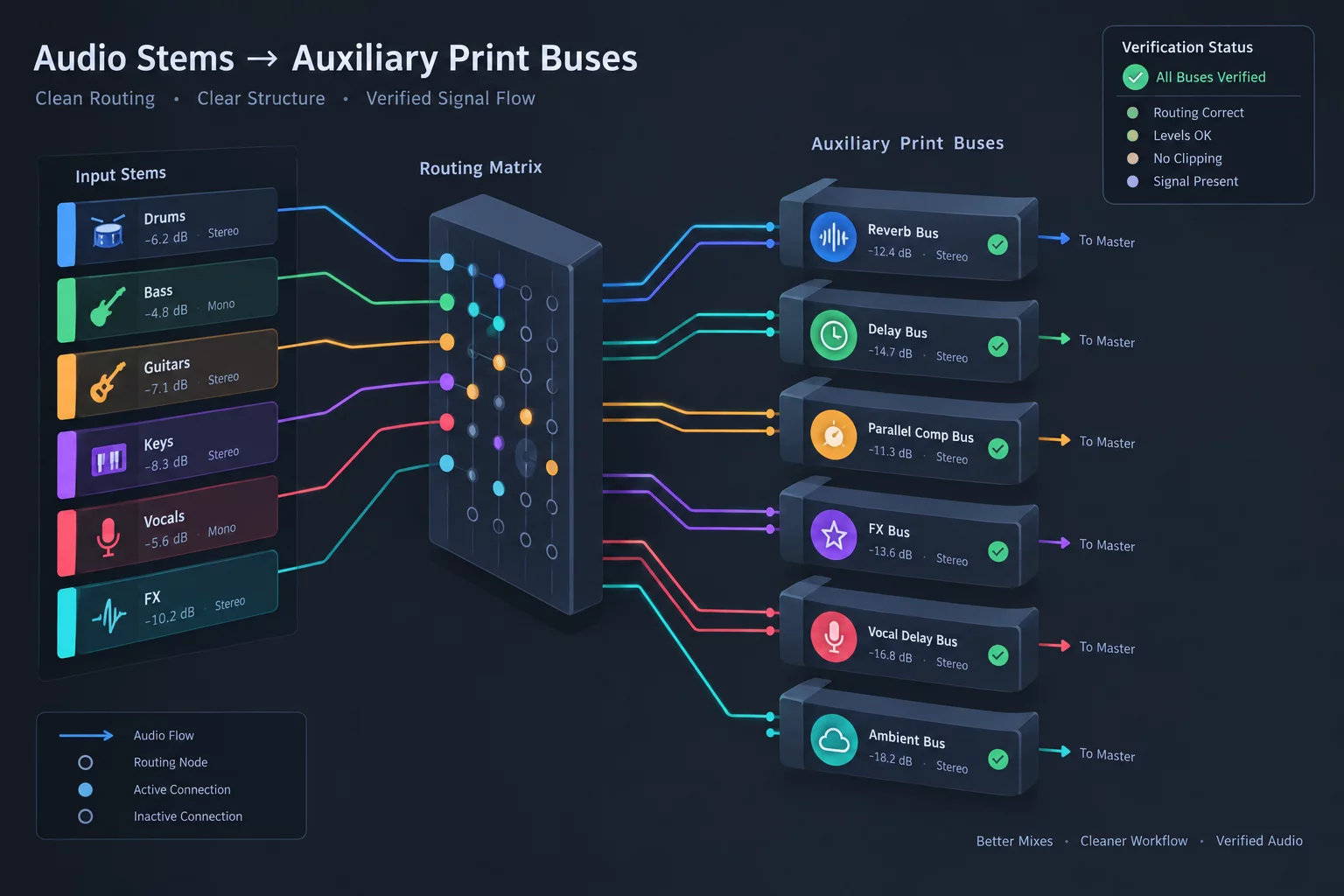
Timeline Point → Track / Folder → Issue → Note → Owner → Next Action. Use this map to keep context inside a large audio session, from the first review comment to final closeout.
Locate a specific event in time and make the issue unambiguous.
Explore Marker CasesKeep the instruction beside the dialogue, vocal, or instrument track it concerns.
Explore Track NotesDocument shared intent across grouped tracks and stem folders.
Explore Folder ContextCarry open edits, owners, and next actions into the next session handoff.
Explore Edit HandoffsTranslate revision requests into edits that can be checked and signed off.
Explore Mix RevisionsConvert a reviewer’s words into a track-specific, actionable note.
Explore Review CommentsResolve completed work and carry unresolved items forward with ownership.
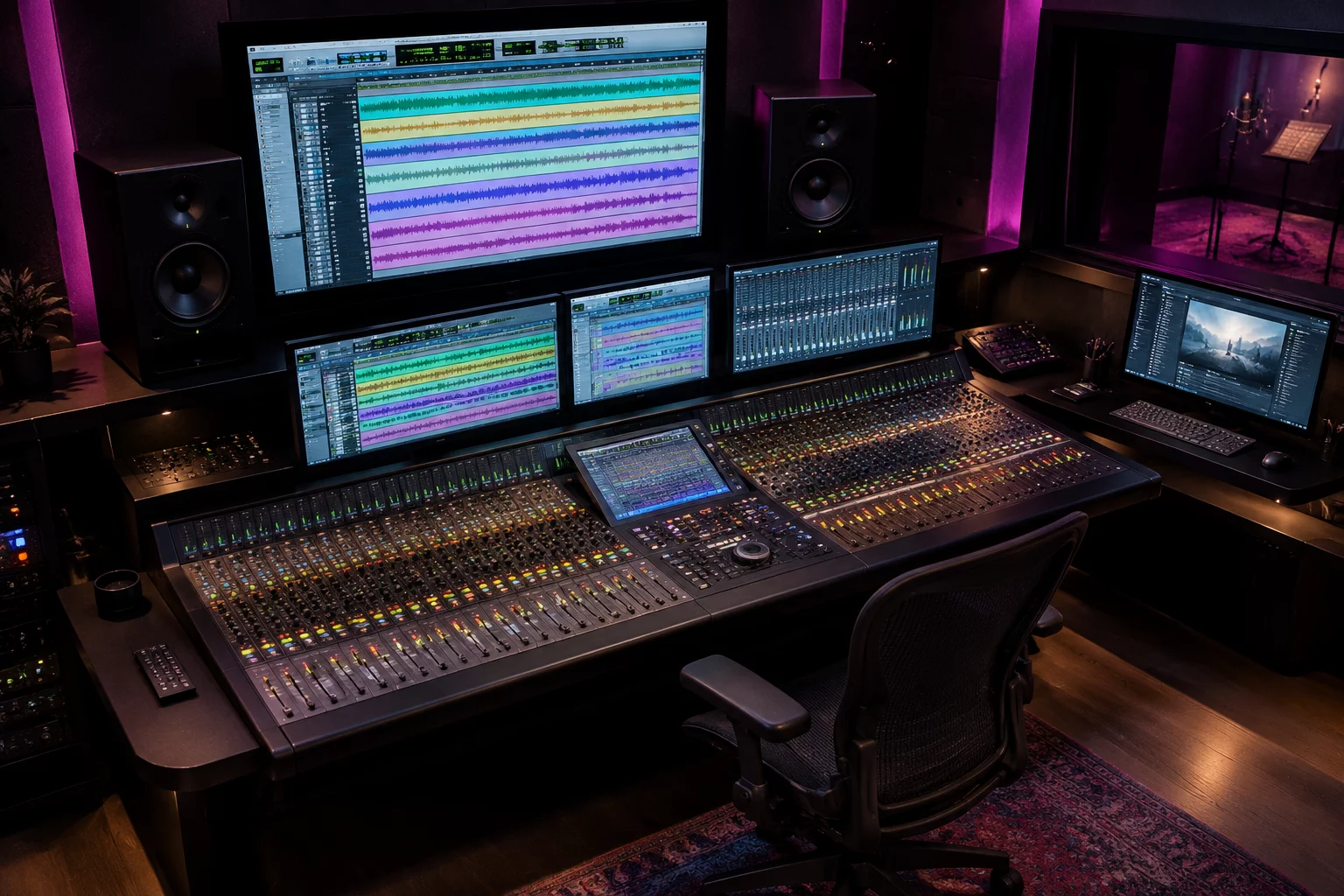
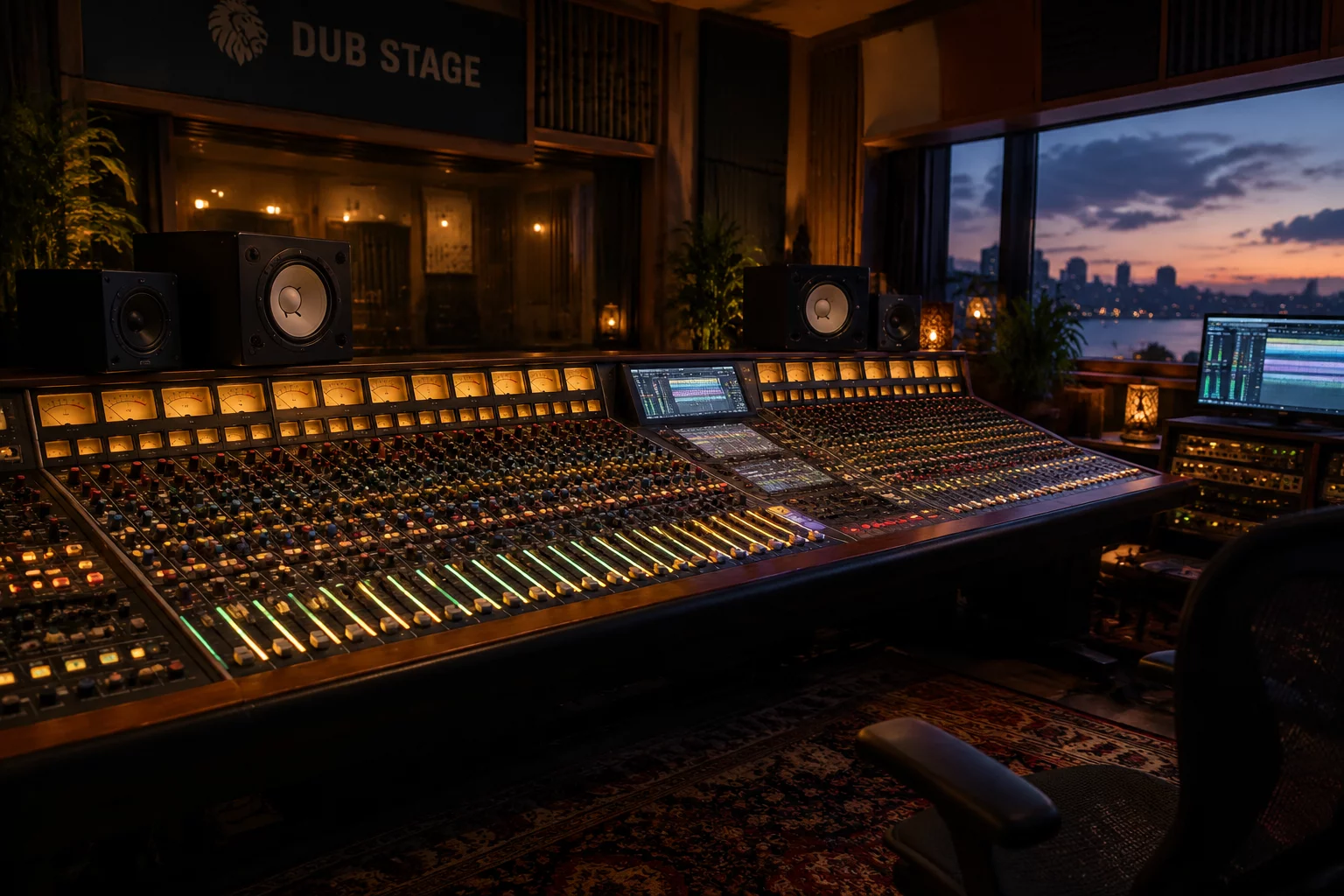
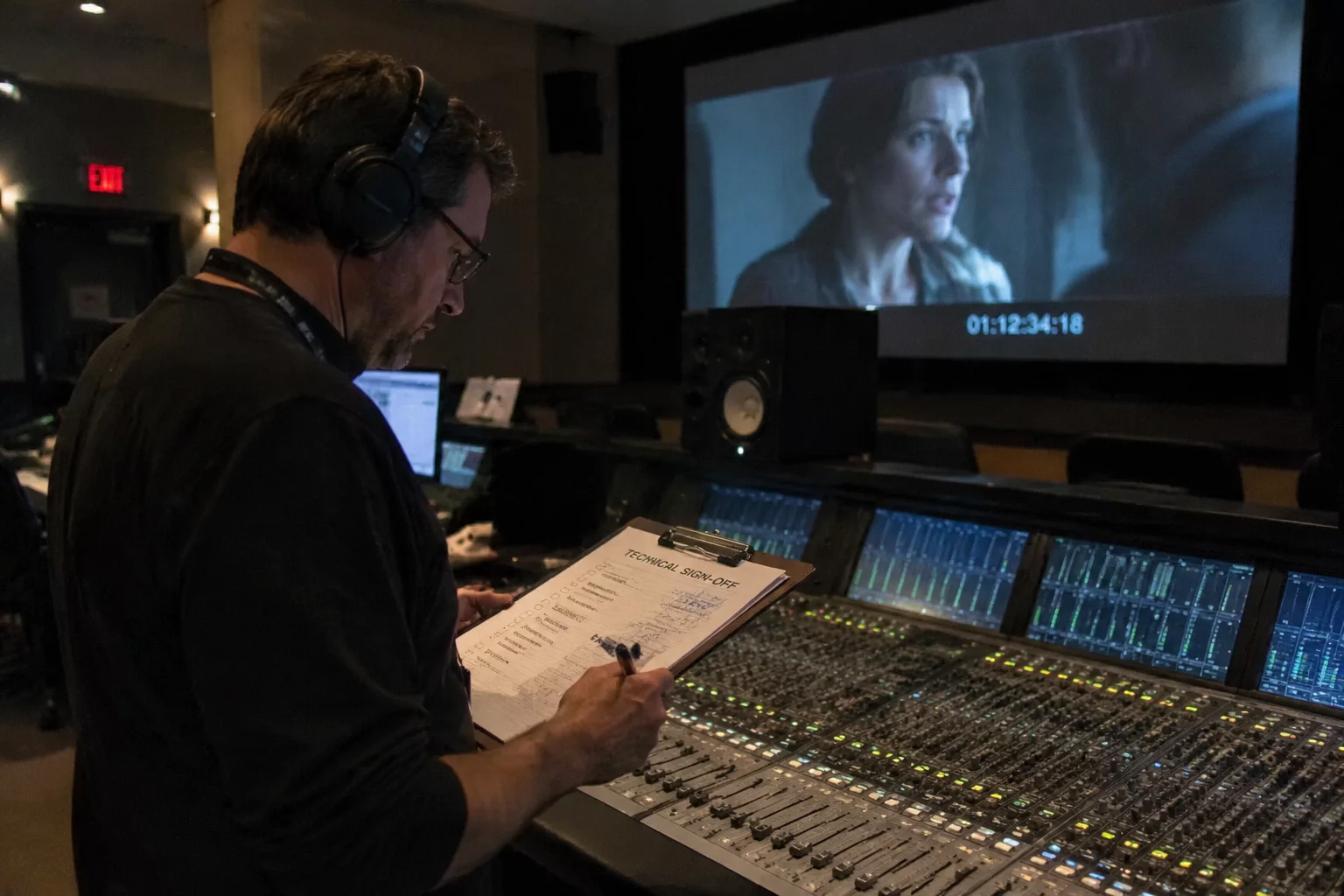
Explore Session CloseoutsStep inside physical dual-monitor edit suites and Atmos dubbing stages. Witness how marker-anchored session turnovers eliminate miscommunication between dialogue editors, sound designers, and re-recording mix engineers.
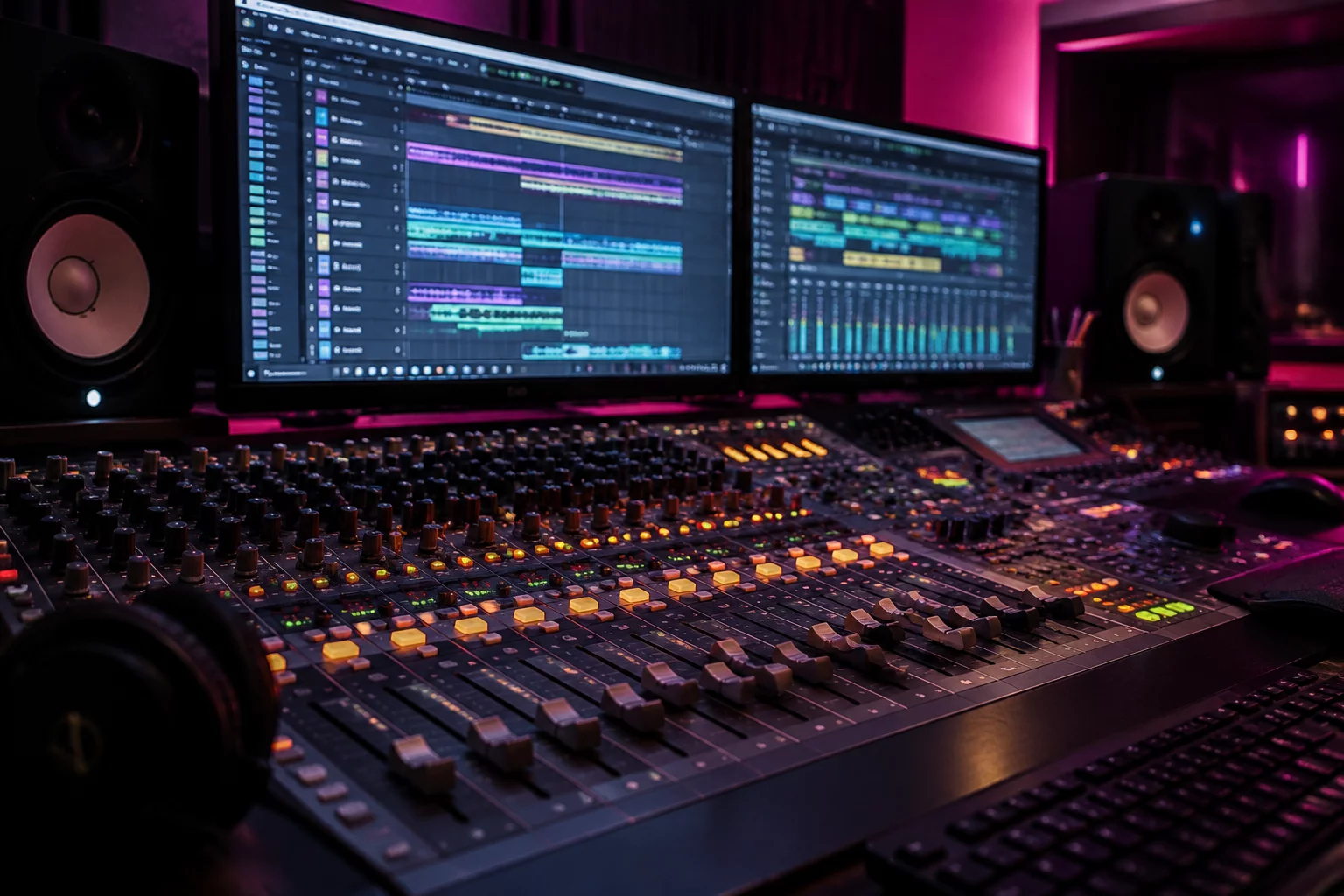
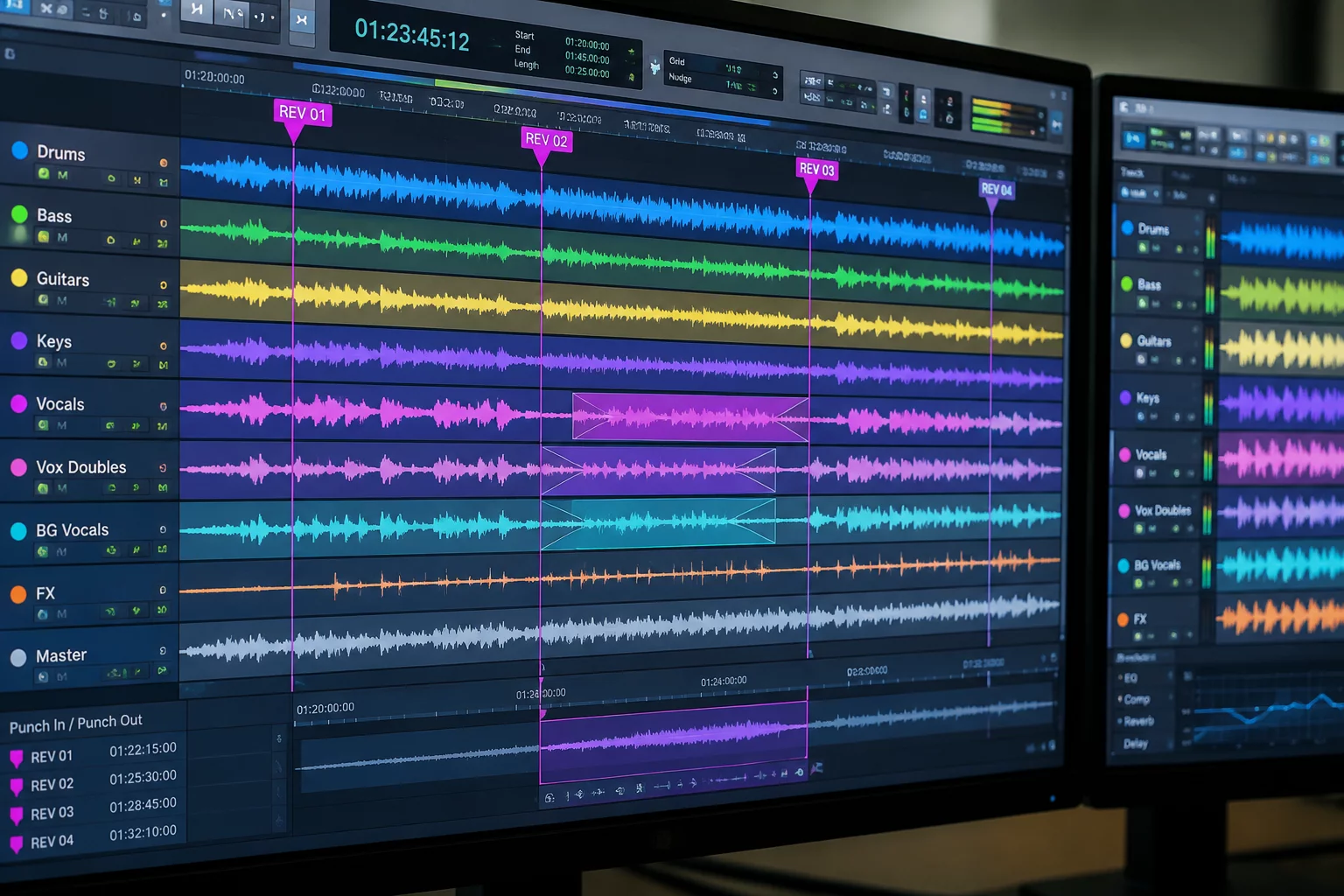
Edit timeline locked to Display 1, video reference and routing meters isolated on Display 2 with zero head lag.
Critical dialogue guide and director scratch markers remain permanently visible while scrolling hundreds of FX tracks.
Export testing verified in staging sessions to ensure markers, sample rates, and handles stay locked without dropped flags.
Layering complex sound design passes into structured nested folders that prevent bus overload.

Highlighting micro-transients and low-end bursts with track markers before passing to dub mixers.

Systematic spot-auditing of delivered 5.1/Atmos stems against real-time director notes and timeline pins.
Checking integrated LKFS/LUFS windows with pinned milestone markers on full-mix archival tracks.
Engineers often hesitate to alter their turnover workflow until they see how precise track-anchored metadata eliminates ambiguity, preserves mix speed, and safeguards multi-rig handoffs.
Unlike traditional global ruler markers that crowd the top grid, track markers live strictly on their designated channel lane or parent folder. When a folder collapses or track view shifts to waveform, sub-tier notes hide seamlessly without affecting the global arrangement view.
Entering a standardized note takes roughly 4 seconds using Pro Tools default numeric keypad keystrokes. Compared to halting an external dub stage or writing disjointed email threads after playback, anchoring the fix in place saves an average of 45 minutes during final mix revisions and conform checks.
Track Markers were introduced in Pro Tools 2023.6. Before a handoff to an older version or another DAW, verify how notes are retained and include a text handoff map with time, track or folder, issue, note, owner, and next action. The Fieldbook provides documentation, rather than session conversion software.
Adoption succeeds because the framework relies on native Pro Tools functions rather than third-party plugins or proprietary cloud portals. A 3-tier color hierarchy (Red for Blockers, Yellow for In-Progress Inquiries, Green for Verified Actions) offers instant visual orientation without requiring formal software re-training.
Independent audio engineering publications, post-production journals, and mastering houses review the MarkerHandoff protocols for cross-facility Pro Tools delivery.
“The definitive standard for timeline context. MarkerHandoff cuts dialogue handoff ambiguity to zero, eliminating round-trip emails between ADR supervision and dubbing mixers completely.”
“Replacing chaotic email chains with locked Track Markers and Track Pin vertical locks is the single most valuable workflow shift for commercial mixers since Folder Tracks arrived.”
“The strict schema of Timeline Point to Owner to Next Action provides ironclad accountability across complex multi-facility turnovers without requiring third-party cloud apps.”