Folder Context & Organization September 1, 2026

Sound Design Stacking with Color-Coded Basic Folders

Structuring high-density SFX, risers, impacts, and Foley layers into low-overhead visual containers without altering routing, processing delay, or downstream stem prints.

SPECIFICATION • TIMELINE PINNING • REVISION DISCIPLINE • STEM HANDOFF • AUDIT PROTOCOL
AUDIT LOCKED
Sound Design Stacking with Color-Coded Basic Folders
DAW Timeline Sync
Author: Elena Rostova 6 min read 0 Comments

Visual Encapsulation Without Signal Interference

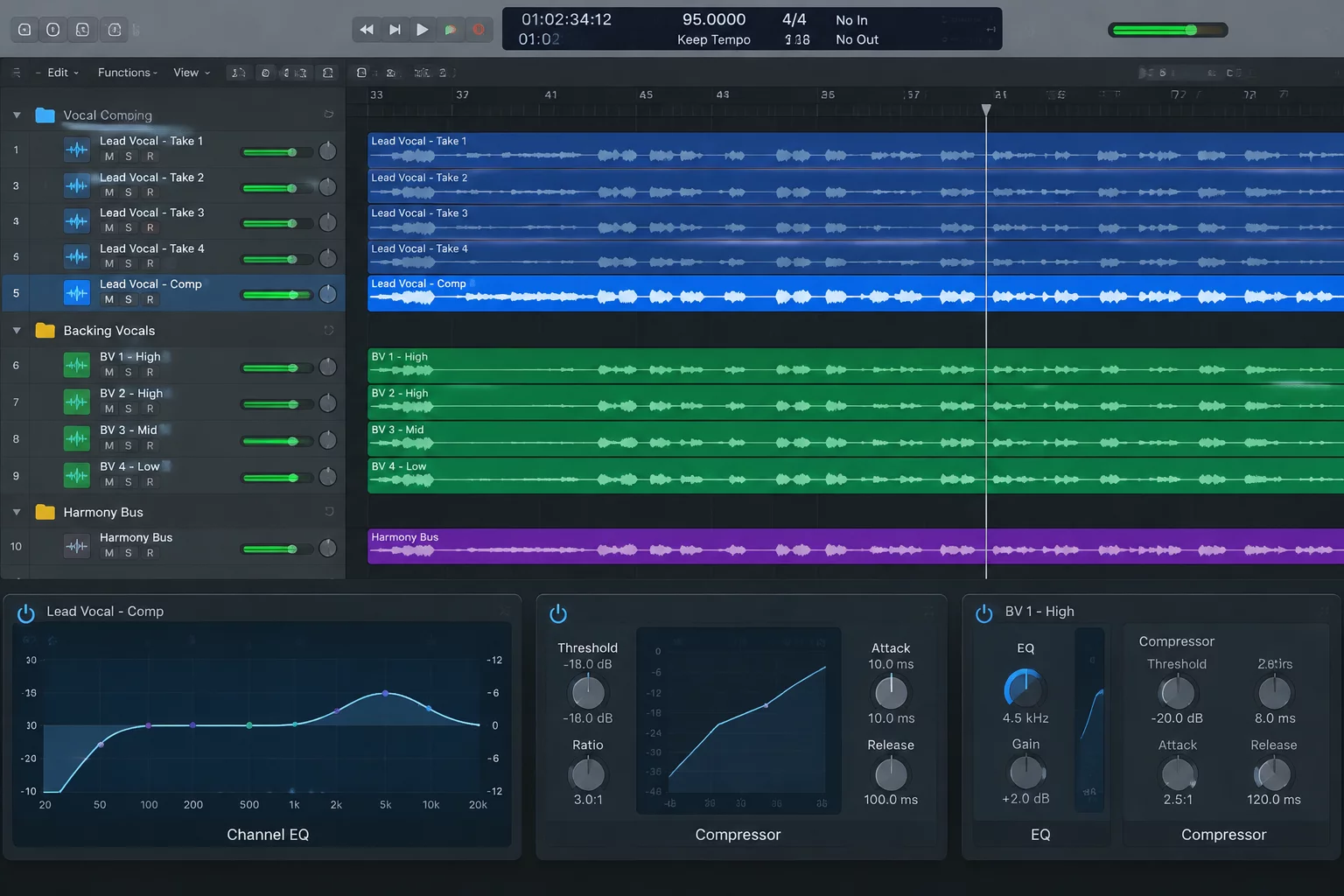
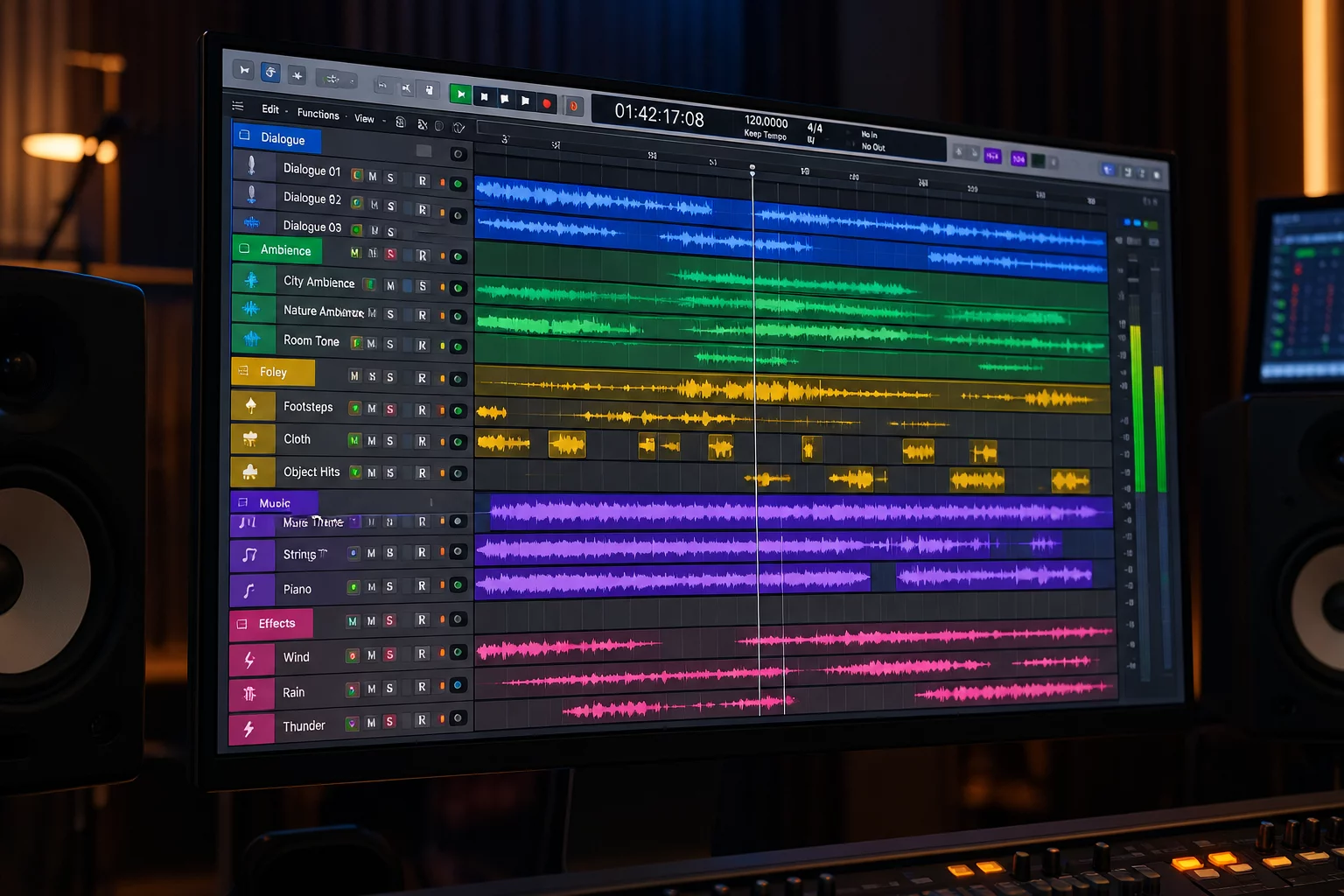
Dense sound design timelines frequently collapse under hundreds of micro-edits, transient-heavy layers, and modular Foley recordings. By deploying Basic Folder tracks as visual containers color-coded by acoustic function, sound editors preserve processing headroom and provide effortless navigation for mix engineers.

Zero Latency Routing Overhead Unified Visual Color Coding Pinned Track Marker Alignment

Structural Protocol for Layered Audio Design

Sound design in modern cinematic and game turnover pipelines demands dozens of individual sonic components to forge a single signature event. From explosive impacts made of sub-drops, metallic clangs, and high-frequency debris to creature vocalizations stitched from pitch-shifted animal calls, sessions easily inflate to several hundred audio tracks. When these elements arrive at the re-recording stage unorganized, mix supervisors waste critical hours decoding which clip contributes to which sonic gesture.

Basic Folders vs. Routing Folders in Heavy SFX Stacks

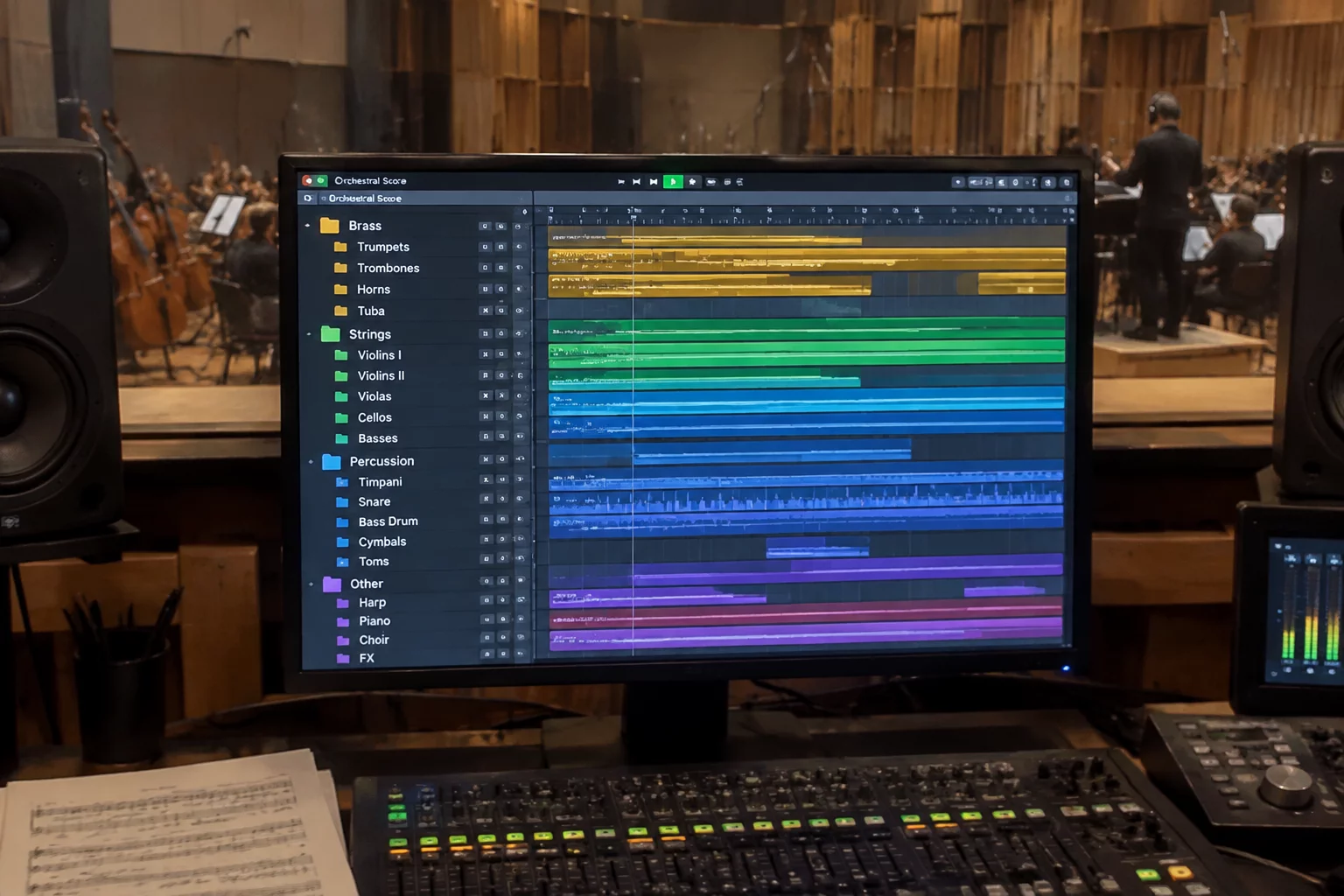
While Routing Folders offer convenient internal bus summing, they also introduce intermediate mix nodes, latency compensation calculations, and potential solo-safe pitfalls during complex stem exports. Basic Folders in Pro Tools, by contrast, function purely as structural and visual enclosures. They permit sound designers to collapse twenty tracks of bullet impacts or vehicle pass-bys into a single tidy strip without altering track output paths directly feeding the 5.1, 7.1, or Dolby Atmos FX bed.

A mixer should never have to guess whether an unmuted layer belongs to an explosion tail or a background room tone. Visual color grouping turns session clutter into instant cognitive clarity.

The Four-Tier Functional Color Hierarchy

Consistency across episodes or project reels relies on a standardized chromatic nomenclature. Applying random palette swatches on every scene creates cognitive friction. We establish four mandatory color tiers for Basic Folder organization:

  • Amber & Red Folders: High-transient attacks, weapon fire, explosive cracks, and aggressive impacts.
  • Deep Blue & Purple Folders: Low-frequency sub-drops, earthquake rumbles, room pressurization, and bass sweeteners.
  • Cyan & Bright Green Folders: Tonal pads, synth risers, electromagnetic hums, and continuous textural elements.

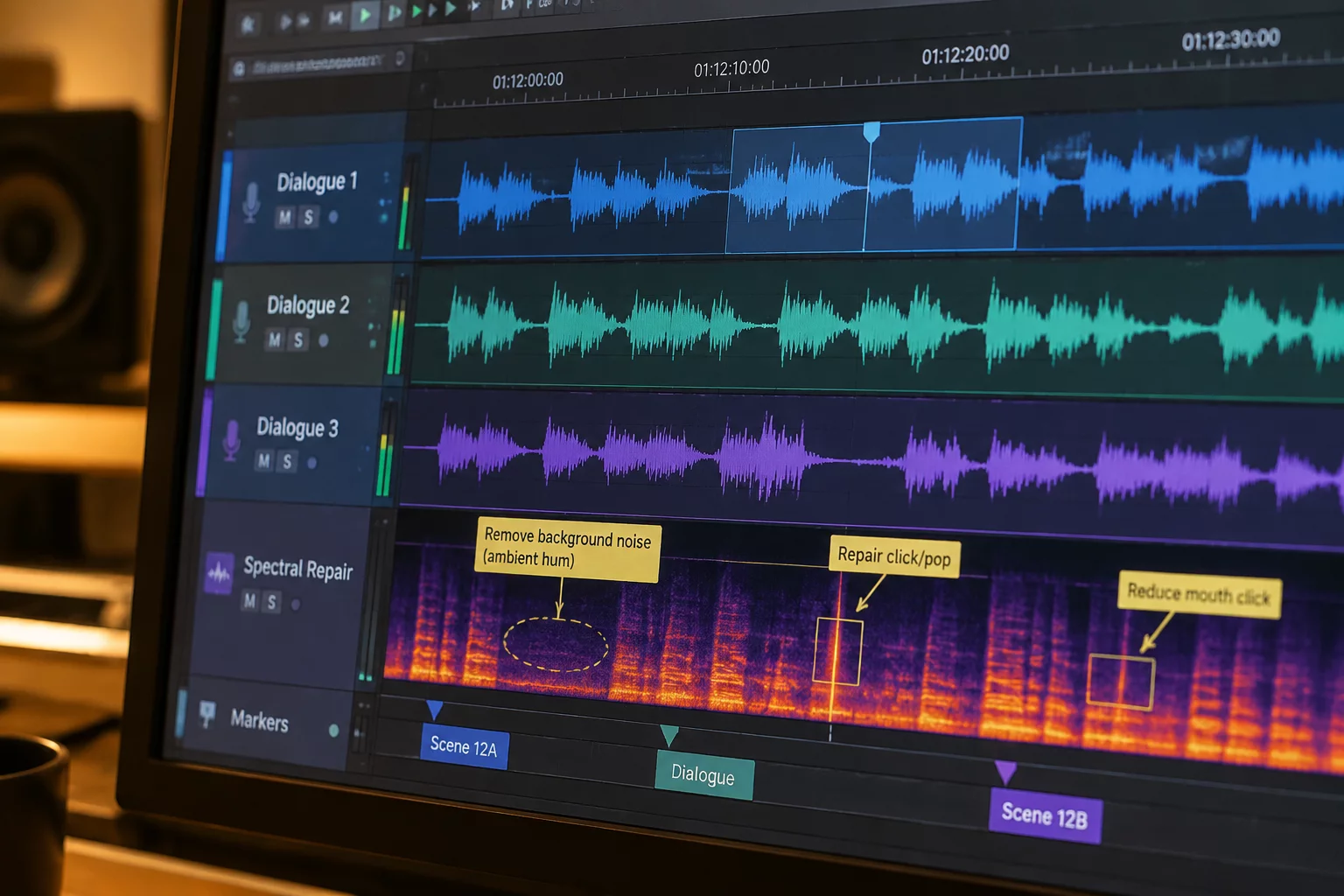
Track Markers placed along the interior tracks inside each Basic Folder document precise spotting notes, source microphone anomalies, or pitch-shift semitone values. When the mixer collapses the folder during wide-view balance passes, track pin vertical architecture keeps the folder header visible while maintaining temporal anchors directly under the master picture ruler.
Session Architecture Specification

Follow this reference standard when preparing sound design layers for pre-dub handoff or archival delivery.

Folder Type Designation
Basic Folder (Non-routing, non-summing visual container)
Color Palette Standard
4-Class Functional Spectrum (Transients, Sub, Beds, Accents)
Internal Track Limit
Maximum 16 tracks per basic folder to prevent vertical bloat
Marker Protocol
Track Marker anchoring at layer attack point with note and owner

Session Quality Verification Steps

Execute these systematic quality control checks before bouncing stems or locking folders for delivery.

01

Verify Direct Bus Routing Integrity

Ensure all tracks inside the Basic Folder route directly to their designated FX master or submaster aux, verifying that closing the folder does not mute or disconnect any track outputs.

02

Audit Folder Color Coding and Nomenclature

Validate folder naming prefixes and verify that child track track-plates strictly inherit the assigned parent folder hue without orphaned color variations.

03

Consolidate and Clear Scratch Markers

Purge scratch notes and temporary clip nudges, leaving only verified editorial markers with specified action points, frame offsets, and responsible engineer signatures.

Standardize Your Sound Editorial Handoffs

Discover the comprehensive Pro Tools Track Marker framework for seamless team collaboration without cloud dependencies.

Frequently Asked Questions

Basic Folders do not alter audio signal routing or add summing bus nodes. This avoids plugin latency recalculations, solo isolate complications, and accidental gain staging deviations when handing sessions to the re-recording mixer.

When a Basic Folder is collapsed in Pro Tools, track markers anchored to internal tracks hide along with the tracks. To maintain timeline visibility, drop a corresponding Marker on the Folder Track header itself or pin critical marker lines to the top ruler.

Best practice suggests grouping between 4 and 16 tracks per folder. Exceeding 16 tracks inside a single container defeats the visual organization benefit and makes targeted spot soloing tedious during fast-paced mix sessions.

Topic Tags: #SoundDesign #FolderTracks #ProTools #WorkflowHandoff

Elena Rostova

Fieldbook Contributor

Elena Rostova is a supervising sound editor and re-recording mixer specializing in episodic post-production and session pipeline standardization.

Engineering Notes & Discussion

This could be your first comment. Leave a technical note below.

Leave Field Note