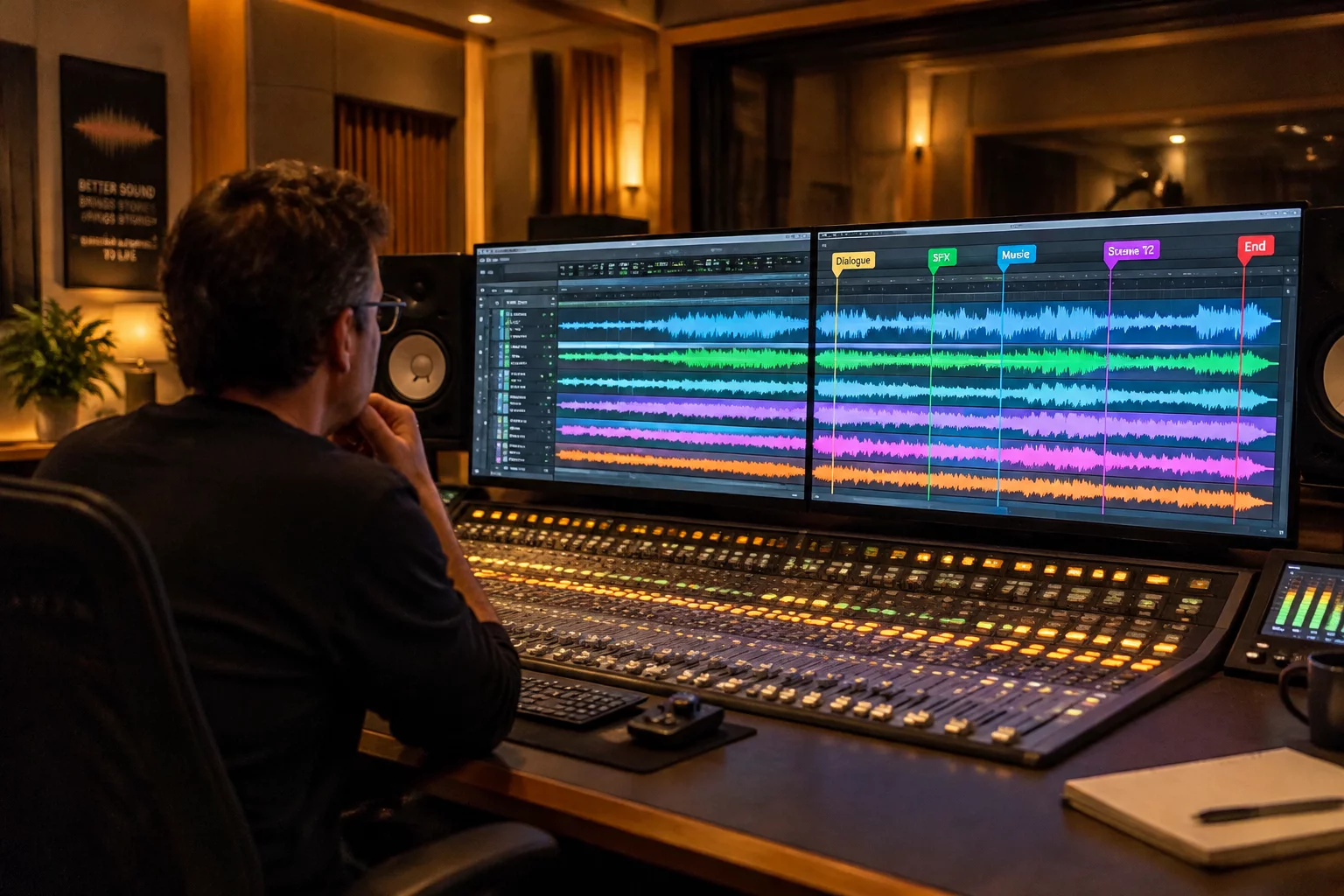
Mix Revisions & Review Comments 2026-09-04

Stem Print Validation Against Director Punch Notes

Rigorous multi-stem verification protocol ensuring creative punch revisions, dialogue updates, and music dips translate cleanly into delivered stems without phase dropouts or unrendered automation.

SPECIFICATION • TIMELINE PINNING • REVISION DISCIPLINE • STEM HANDOFF • AUDIT PROTOCOL
AUDIT LOCKED
Stem Print Validation Against Director Punch Notes
DAW Timeline Sync
Author: Elena Rostova 8 min read 1 Comments

Stem Integrity Verification & Punch Note Reconciliation

When preparing theatrical and broadcast delivery stems, discrepancies between director punch notes and printed tracks introduce costly turnaround rejections. This protocol establishes track marker anchoring, vertical track pinning, and automated null-test procedures to verify every note before export.

Track-pinned print masters Zero-latency null validation Direct marker turnover audit

Stem Pass QC and Note Alignment

In late-stage post-production mixing, the gap between the director's punch list and the final printed stems represents the single highest risk zone for turnover discrepancies. When revisions occur at reel boundaries or within densely layered action sequences, trusting casual listening checks is never adequate. Audio engineers require a repeatable, marker-anchored methodology that directly reconciles director directives against discrete dialogue, music, and sound effects stems.

Anchoring Review Notes to Source Folder Tracks

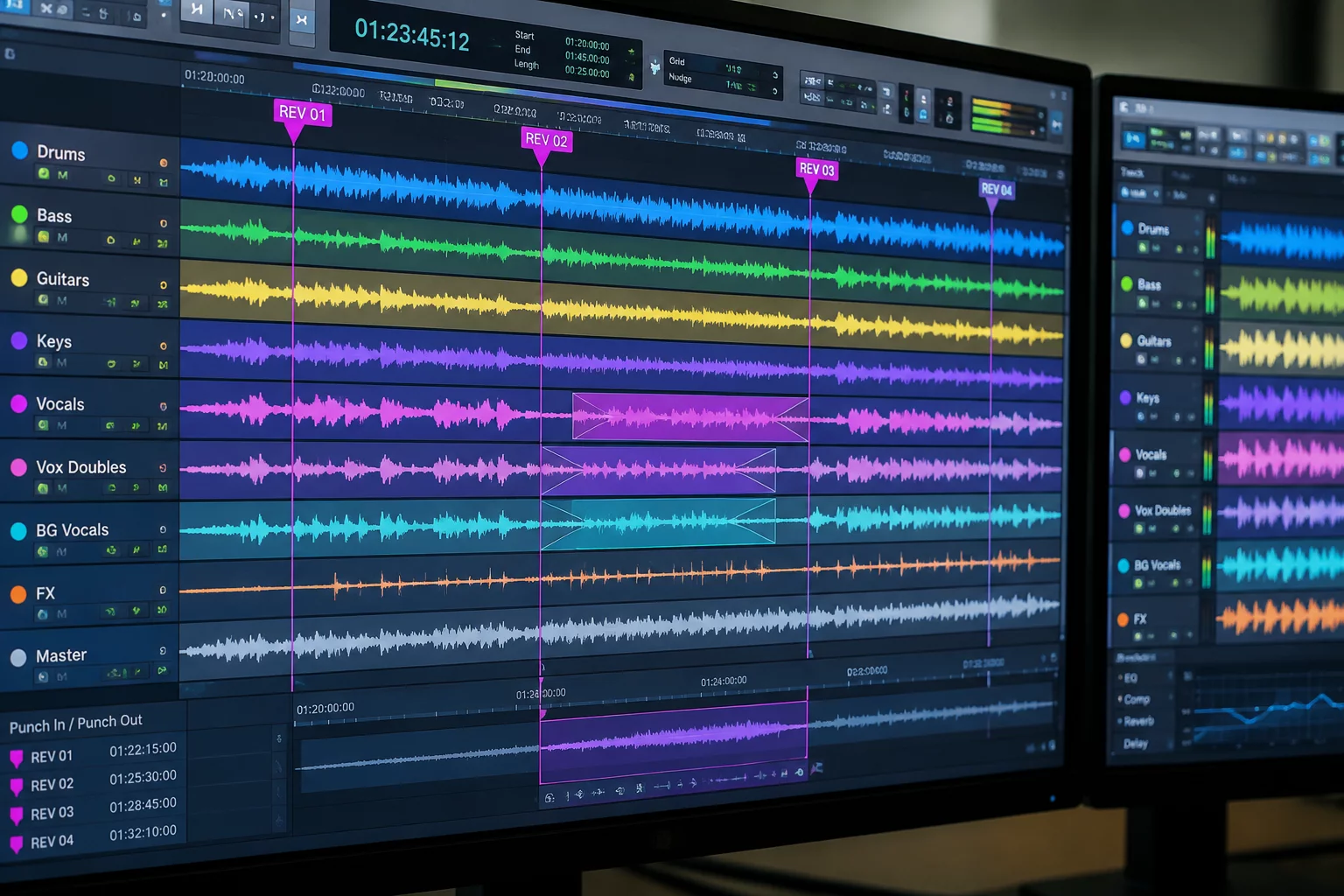
In Pro Tools, director punch notes must be anchored directly onto dedicated folder tracks or audio tracks using track markers rather than floating global timeline rulers. Floating rulers disconnect review comments when clip groups or stem routing structures are reorganized. Pinning the dialogue, music, and effects stem folders vertically keeps critical spotting text directly alongside the audio waveform. This guarantees that balance adjustments, alternate ADR takes, or dipped music beds match the exact frame designated during the playback review.

A stem print is only as dependable as the audit trail behind it; pinning punch notes to discrete sub-mix tracks eliminates guesswork when QC flags an unexpected dip or missing Foley pass.

Null Auditing and Boundary Re-Print Safeguards

Validating printed stems against earlier revisions requires structured delta checks. Routing the newly printed stem pass alongside inverted earlier stems immediately reveals whether unintended processing bled into frozen stems:

  • Apply inverted polarity to unchanged stem beds to confirm perfect null cancellation outside punch regions.
  • Flag punch start and end points using colored track markers denoting revision index and engineer ID.
  • Inspect crossfade boundaries across folder hierarchies to prevent room tone dropouts or transient clicks.

Once delta checks confirm that only requested editorial changes are present, the mix engineer checks off the director's note in the session log. The updated stem set is locked, preserving an immutable marker trail that transitions seamlessly into downstream mastering or dub stage turnover.

Stem Validation Technical Specifications

Session setup guidelines and parameter standards for running stem print verification in hybrid Pro Tools and Avid Media Composer turnover pipelines.

Timeline Synchronization
24 fps / 23.976 fps timecode lock with 2-pop reference alignment
Stem Headroom & Loudness
-24 LKFS / LUFS integrated dialogue, -2.0 dBTP true-peak ceiling
Folder Routing Isolation
Dedicated DX, MX, FX, and Foley stem auxiliary print buses
Marker Color Standard
Magenta for director punch notes, Cyan for verified QC prints

Turnaround Verification Stages

Complete these three consecutive operational stages before archiving or delivering stem print packages to editorial turnover.

01

Ingest and Transcribe Director Punch Notes

Populate track markers across the specific sub-stem tracks with exact frame timecodes, noting whether the director requested level offsets, panning modifications, or clean take substitutions.

02

Execute Punch-In Printing and Null Cancellation Check

Print revised segments to tape-style track playlists, flipping phase against previous versions to verify that untouched surrounding regions remain bit-accurate and artifact-free.

03

Lock Track Markers and Export Stem Delivery Manifest

Tag every resolved punch marker with author timestamp, lock track pins to prevent inadvertent nudging, and bundle the printed WAV files with corresponding AAF marker manifests.

Standardize Your Post-Production Handoff Pipeline

Explore our comprehensive session marker manual for full routing topologies, folder pinning conventions, and audit checklists.

Frequently Asked Questions

Global ruler markers span the entire vertical height of the timeline, cluttering the view and failing to specify which stem (dialogue, music, or effects) is subject to the revision. Track markers live on the discrete track or folder, remaining anchored even when tracks are hidden, soloed, or rearranged.

Null testing pairs the newly printed stem with the phase-inverted previous mix stem. Any unexpected audio that fails to cancel out outside the punched region instantly alerts the mix engineer to unauthorized plugin automation, dither discrepancies, or accidental track nudges.

Yes. By exporting an AAF turnover or text-based marker log from Pro Tools, editorial departments can import the punch markers into Media Composer sequences, keeping sound supervision and picture editing completely synchronized.

Topic Tags: #StemPrinting #DirectorNotes #ProToolsMarkers #AudioTurnover

Elena Rostova

Fieldbook Contributor

Elena Rostova is a supervising sound editor and re-recording mixer specializing in theatrical dubbing, multichannel stem conformance, and automated QA workflows for independent feature films.

Engineering Notes & Discussion

Marcus Reed
Lead Engineer
Verified Session

The low-end balance on this revision is surgical. The analog summing bus gave the transient attack exactly the punch required without cluttering the 120Hz sub-crossover. Ready for mastering print.

Leave Field Note