Session Closeouts 2026-10-05

Final Handoff Checklist: Sign-off, Owners, and Readme Export

Establishing definitive accountability across stem owners, timeline markers, and engineering sign-offs with standardized session README export procedures.

SPECIFICATION • TIMELINE PINNING • REVISION DISCIPLINE • STEM HANDOFF • AUDIT PROTOCOL
AUDIT LOCKED
Final Handoff Checklist: Sign-off, Owners, and Readme Export
DAW Timeline Sync
Author: David Kelling 8 min read 0 Comments

Pre-Flight Timeline Validation & Transfer Sign-Off

Turning over a complex multi-track session to external mixing stages or game engine implementers requires uncompromising verification. This field guide codifies the exact sign-off sequence, designates folder-level ownership markers, and structures the automated timeline export into a standardized session README.

100% Track Marker Audit Explicit Stem Ownership Plain-Text Readme Sync

Editorial Protocol: Zero-Ambiguity Handoff Framework

Audio post turnovers frequently stumble not during creative mixing, but during asset handoffs where undocumented mute automation, unassigned stems, or orphan audio clips create confusion. Establishing an uncompromising closeout ritual ensures that the incoming mix team, re-recording stage, or mastering house opens a session that functions predictably on their hardware without requiring emergency phone calls.

Defining Track Ownership and Timeline Pinning

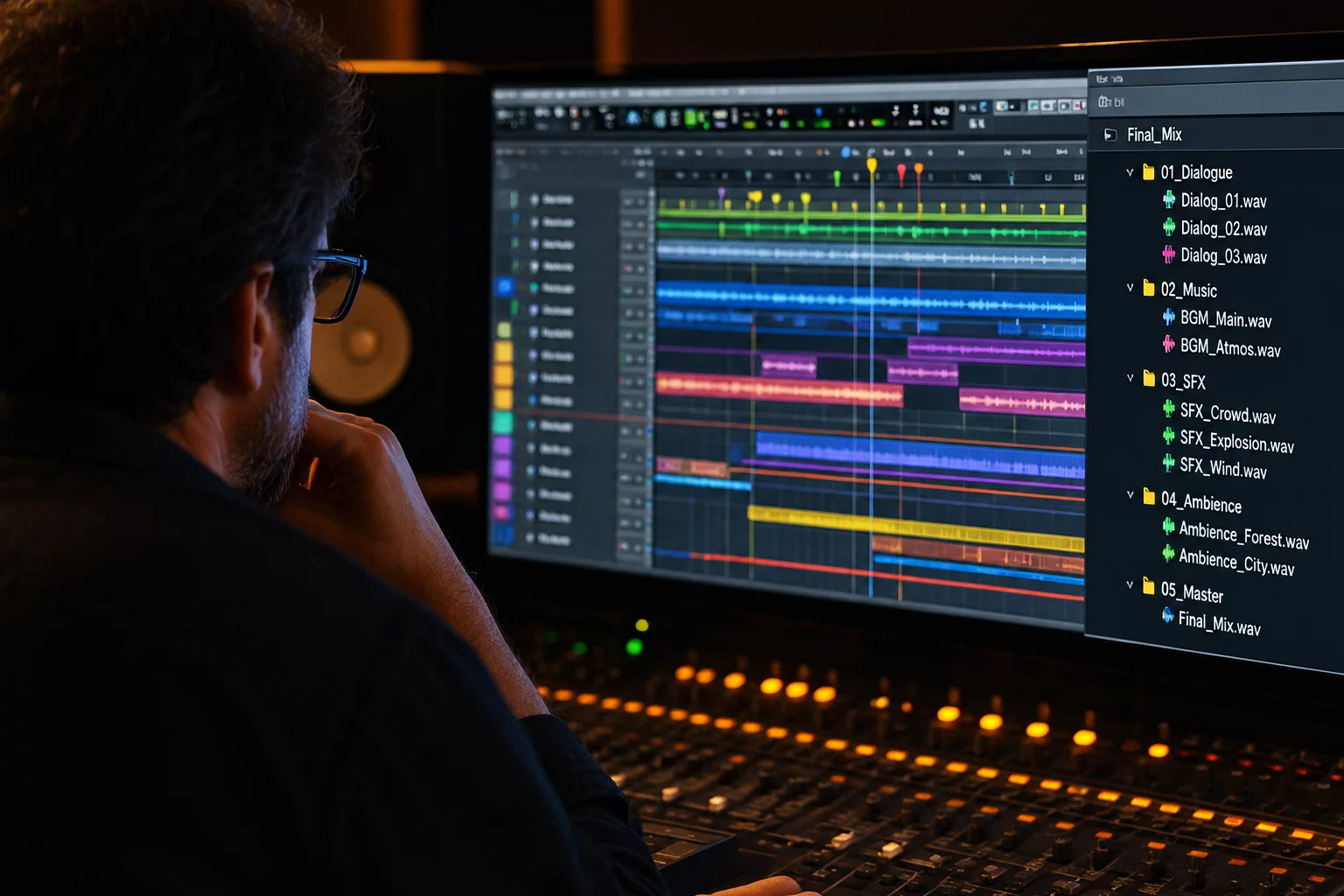
Every routing folder and stem master track within Pro Tools must contain an explicit discipline owner stamped directly in its track comments or primary milestone marker. When a sound supervisor, lead dialogue editor, or Foley designer stamps their initials alongside delivery dates, downstream mix engineers immediately know who cleared specific headroom spikes or dialogue fill decisions. Utilizing vertical Track Pin view locking prevents key reference buses and timecode print tracks from sliding out of visible frame during closeout inspections.

A session turnover is only as clean as its unresolved flags. If an editor leaves ambiguous scratch markers on an unrendered vocal bus, the re-recording stage wastes billable room hours guessing intent.

Generating the Machine-Readable Readme Export

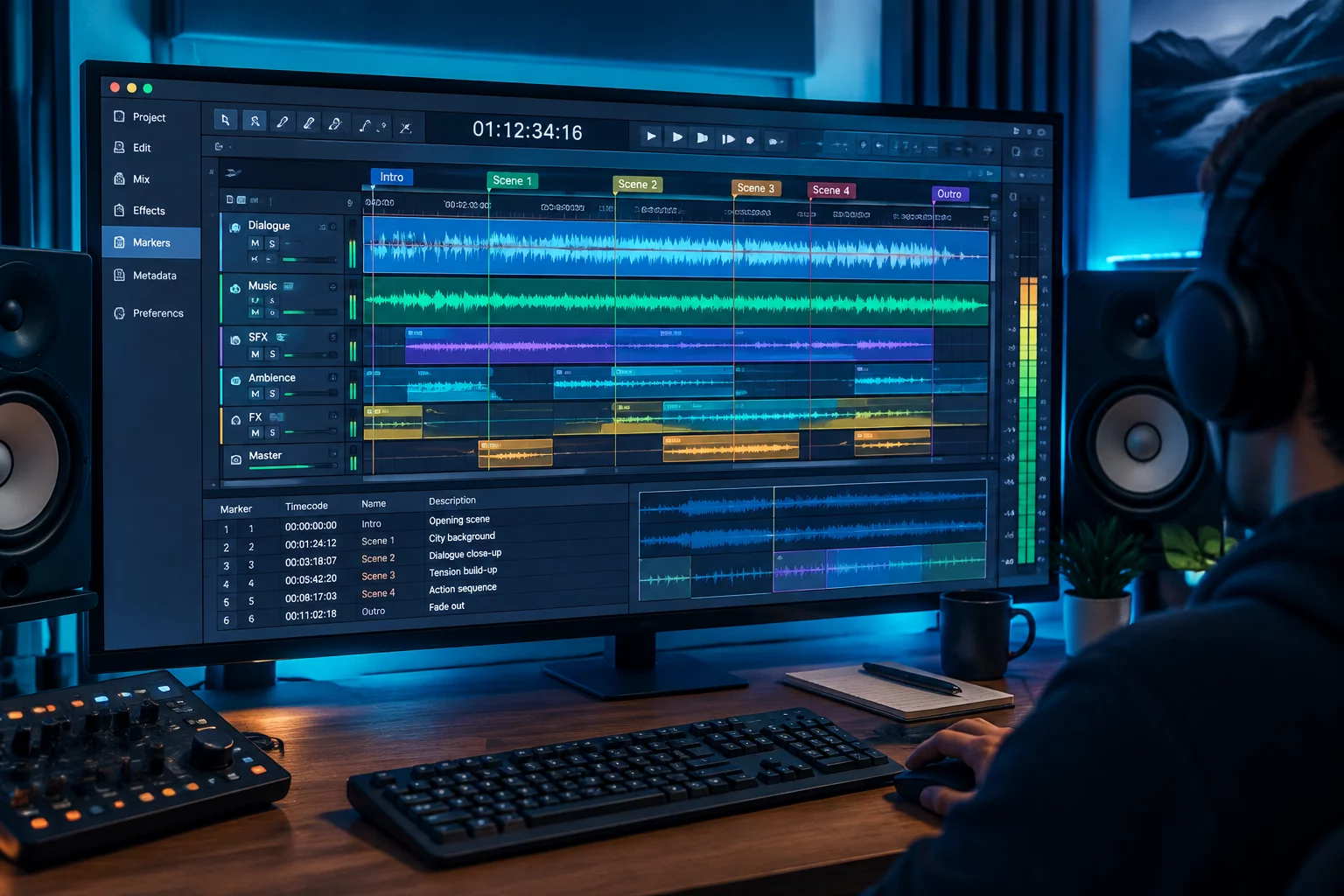
Manual note transcription introduces human error during frantic delivery deadlines. By structuring timeline notes strictly into Pro Tools Track Markers—annotating marker ruler names with timeline points, folder targets, and pending actions—engineers can export a marker text report directly from the DAW. This data automatically forms the core of the session README document, presenting timecode stamps, responsible leads, and stem channel configurations in a uniform layout.

  • Consolidate all alternate takes and purge inactive playlist clutter before staging final vault exports.
  • Convert all internal plugin routing and aux stems into verified continuous print tracks with uniform 2-pop sync.
  • Verify that track comments, sample rates (48kHz/96kHz), and bit depths adhere strictly to the studio project turnover contract.

Completing this checklist establishes a permanent, traceable paper trail inside the archive directory. It bridges the gap between editorial tracking and mixing console operations, preserving project integrity whether the session is re-opened next week or five years later for an archival remaster.
Technical Specification: Closeout Parameters

Benchmark technical targets for vault session compliance, asset packaging, and editorial metadata alignment before final delivery packaging.

Timeline Timecode Anchor
Hour 01:00:00:00 (Slated with standard 2-Pop at 00:59:58:00)
Marker Track Allocation
Dedicated "CLOSEOUT_AUDIT" Track with Color-Coded Sign-Off Flags
Stem Delivery Format
24-bit / 48 kHz (or 96 kHz) Linear PCM Broadcast WAV with BEXT Chunk
Metadata Manifest
Standardized UTF-8 README.txt exported directly from DAW Marker list

Three-Phase Sign-Off Execution Sequence

Execute these operational stages in strict sequence to complete the handoff audit and lock down deliverables before transferring drive packages.

01

Step 1: Folder Discipline Verification & Track Pinning

Pin the guide picture reference and final DX/FX/MX routing buses vertically. Confirm every routing folder contains zero unrendered Elastic Audio or missing offline clips.

02

Step 2: Milestone Sign-Off Stamping

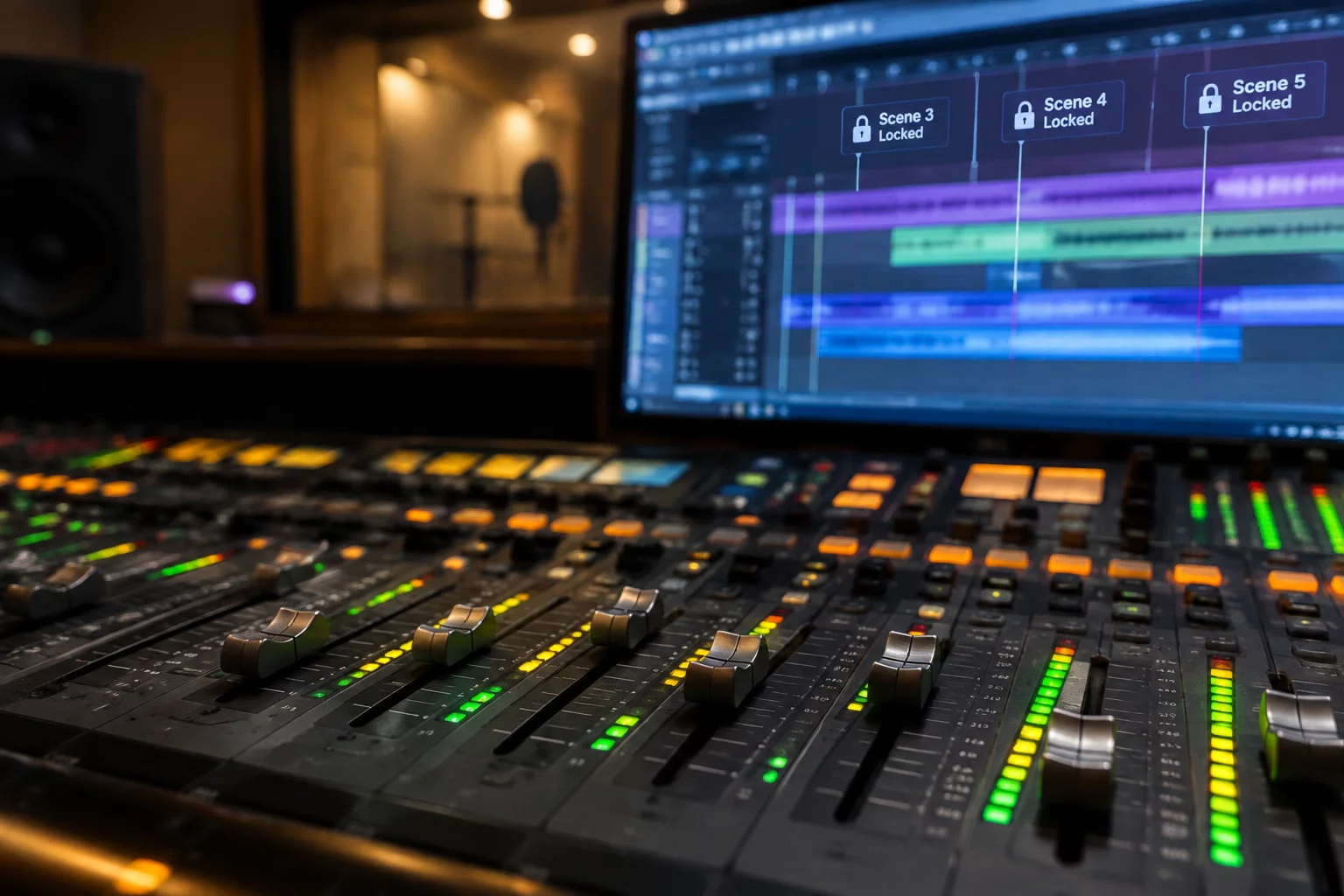
Place locked marker events at reel start and reel end. Enter supervisory approval codes, engineer initials, and delivery revision tags into the comment fields.

03

Step 3: Automated Readme Generation & Checksum

Export the track marker list to plain text, bundle it in the root folder alongside the .ptx session file, and compute MD5 checksum manifests for final vault distribution.

Standardize Your Studio Delivery Protocols

Access the complete reference library of Pro Tools track marker workflows, vertical pinning architectures, and Media Composer turnaround matrices.

Frequently Asked Questions

Email threads and shared spreadsheets become separated from local hard drives during post-production vault storage. Storing sign-offs, discipline owners, and revision notes directly on timeline markers ensures that anyone loading the .ptx or AAF file instantly sees the exact engineering context right against the corresponding waveform.

Track Pinning locks mission-critical tracks—such as the 2-pop reference, guide dialogue print, and LTC timecode track—to the top of the Edit Window. While scrolling through hundreds of nested sound effects and Foley tracks during final inspection, the reference tracks remain visible, preventing sync drift oversights.

Pro Tools allows direct export of Marker Locations as text via File > Export > Session Info as Text. Alternatively, script utilities and fieldbook automation templates can parse the exported text or tab-delimited file into a formatted Markdown or plain-text README placed directly in the session root.

Topic Tags: #SessionCloseout #ReadmeExport #ProToolsMarkers #QualityAudit

David Kelling

Fieldbook Contributor

Supervising Sound Editor and Audio Post Systems Consultant specializing in DAW project interchange, track marker standardization, and high-throughput broadcast turnovers.

Engineering Notes & Discussion

This could be your first comment.

Leave Field Note